 Smart Sweeper
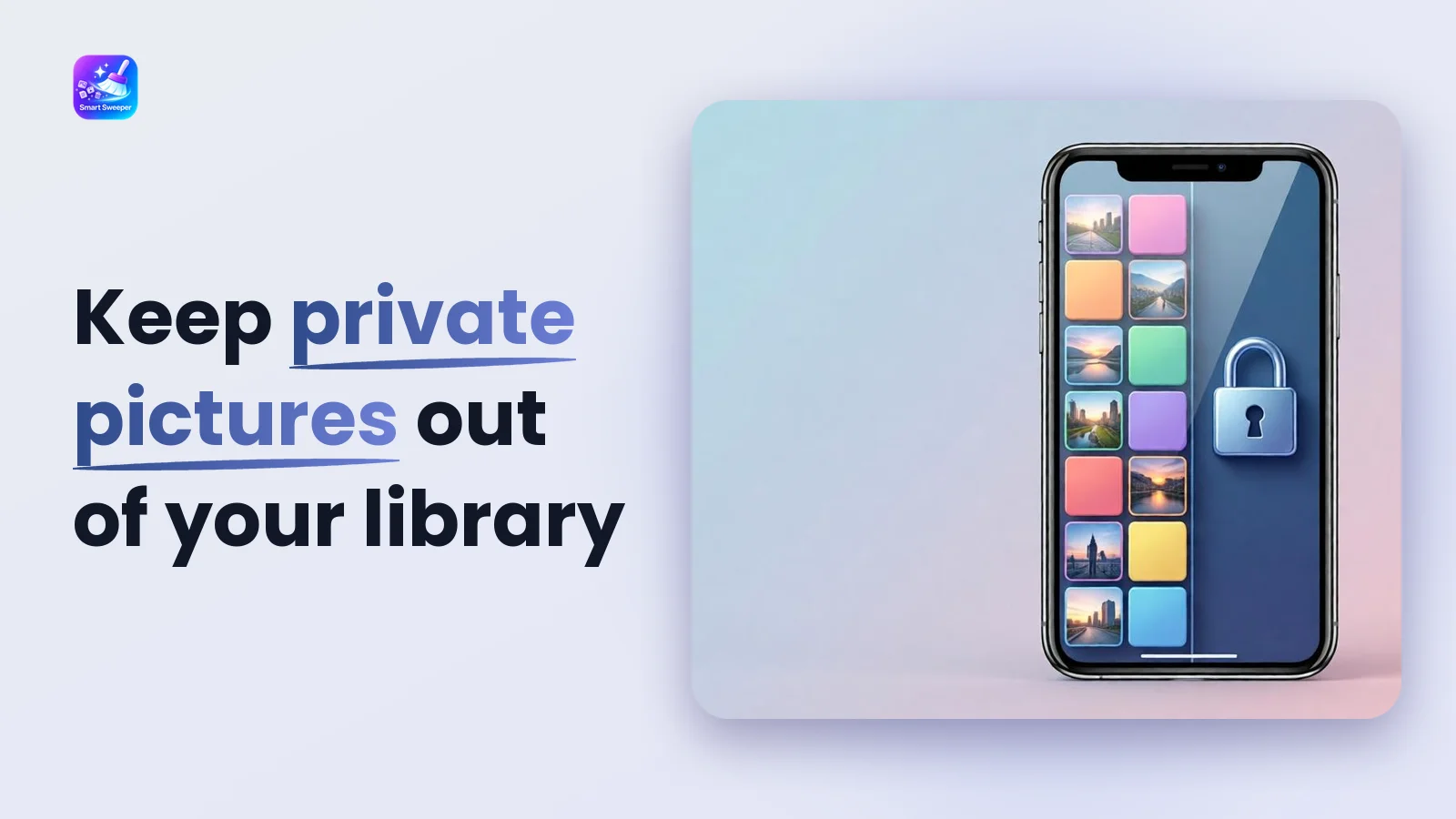
How to Hide Pictures on Your iPhone Without Deleting Them
Learn how to hide pictures on iPhone so private photos stay out of your main library and widgets. Step-by-step steps for a passcode-protected vault.
Short, practical guides to getting your iPhone storage back.
13 posts, newest first
Learn how to hide pictures on iPhone so private photos stay out of your main library and widgets. Step-by-step steps for a passcode-protected vault.
Learn how to fix phone battery draining faster on iPhone with practical settings and charging habits that help your charge last longer.
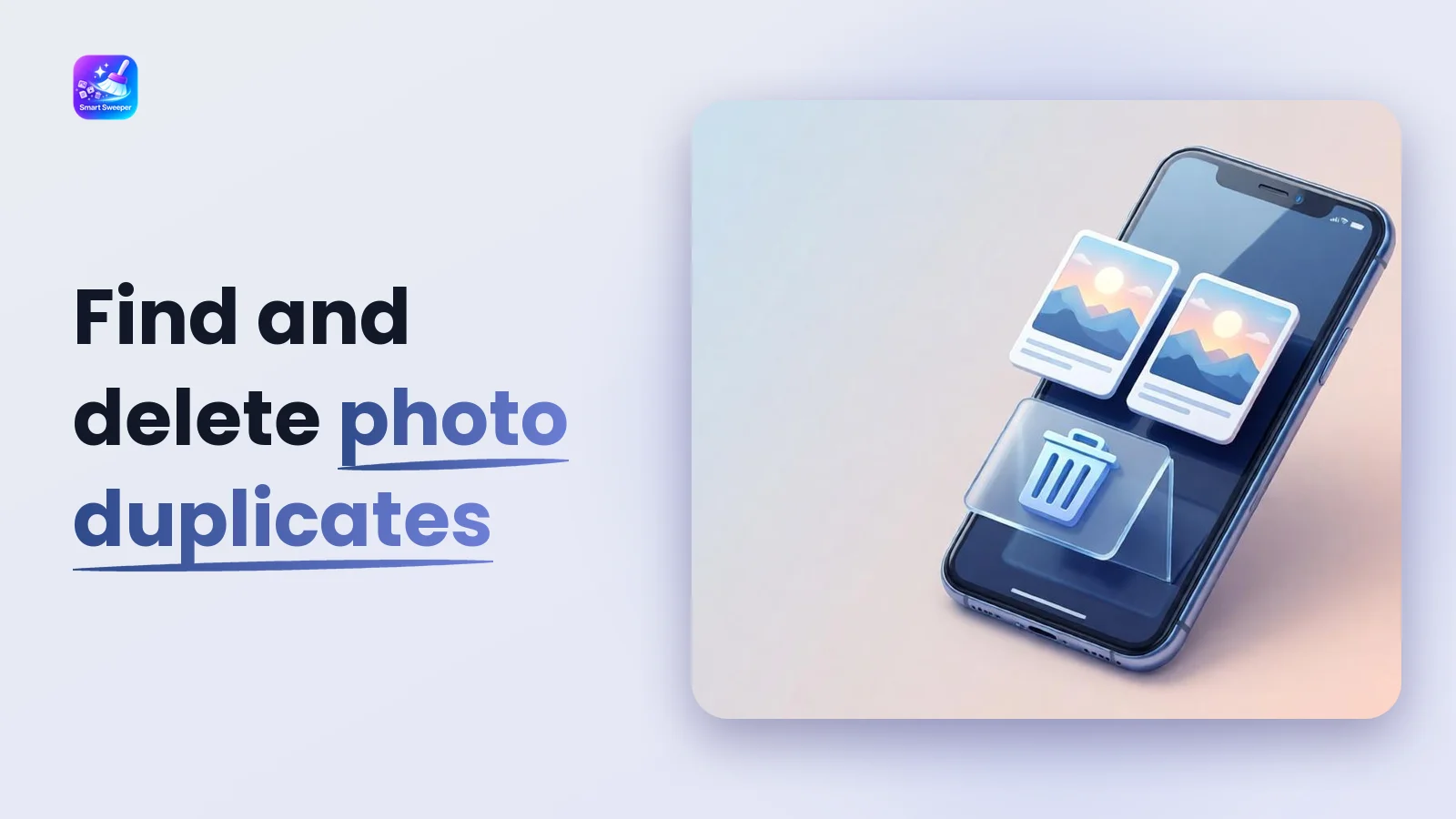
Learn how to find a photo duplicate on your iPhone, review each match, and delete the copies you don’t need to free up storage space.
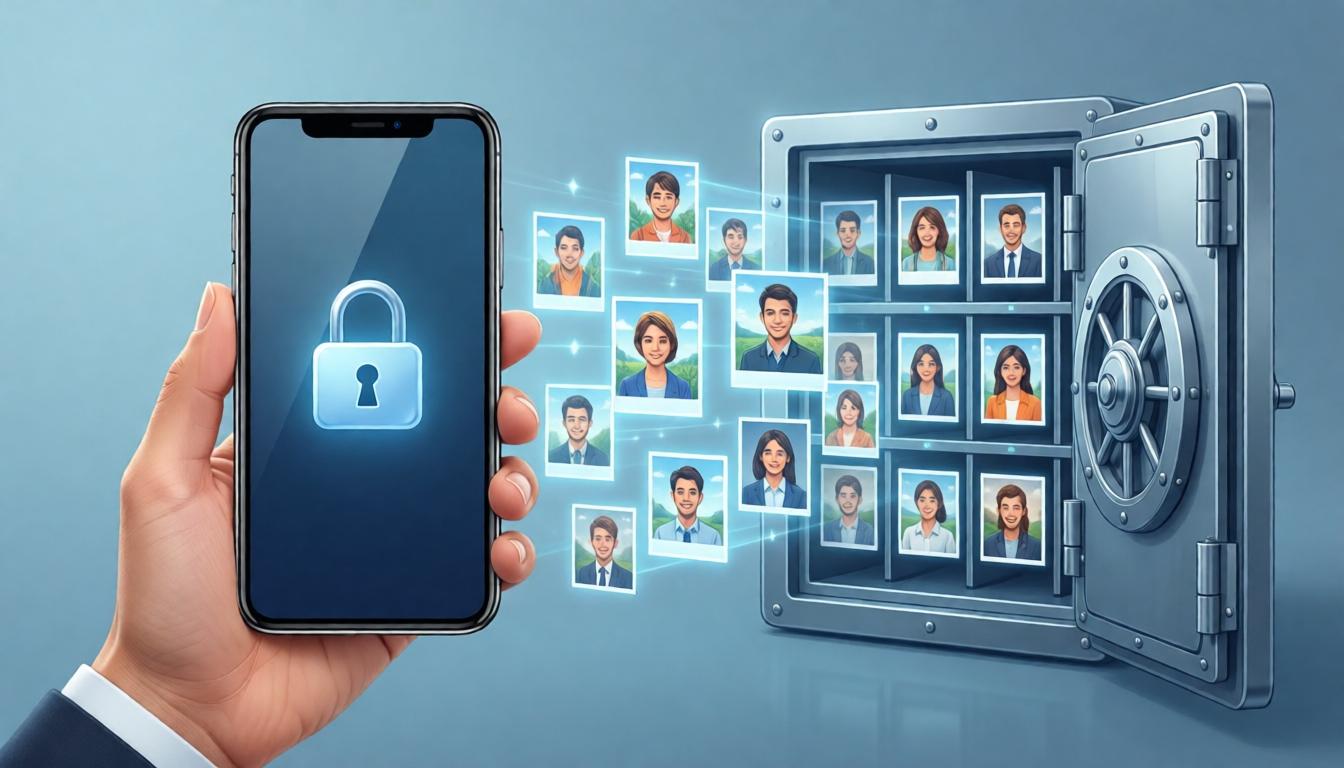
Discover how to open the private vault in an iPhone photo vault app, find hidden pictures, and restore them safely back to your photo library with clear step-by-step instructions.
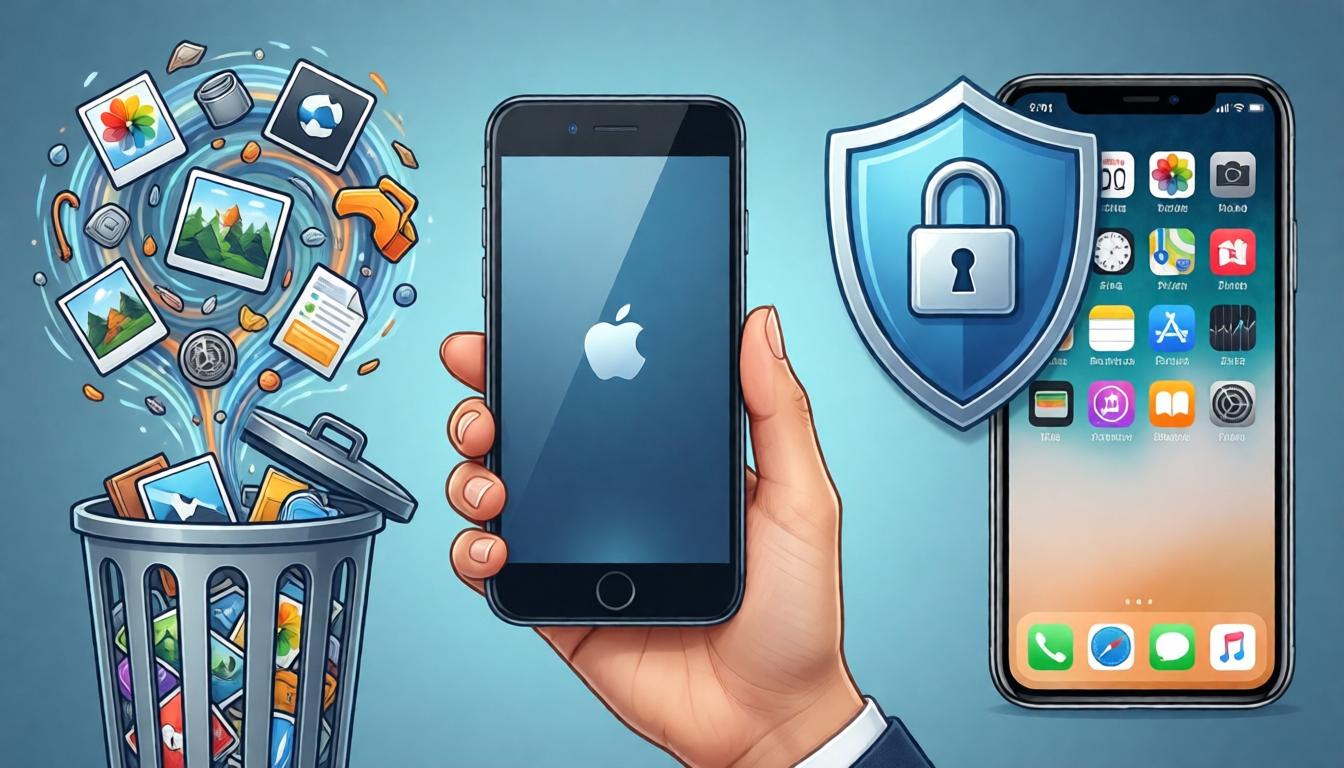
Discover if clean up app is safe for iPhone by exploring on‑device scanning, data handling, and how privacy stays protected while freeing storage.
Learn where do i find storage on my iPhone in Settings, add a storage widget, and see your used and free space.
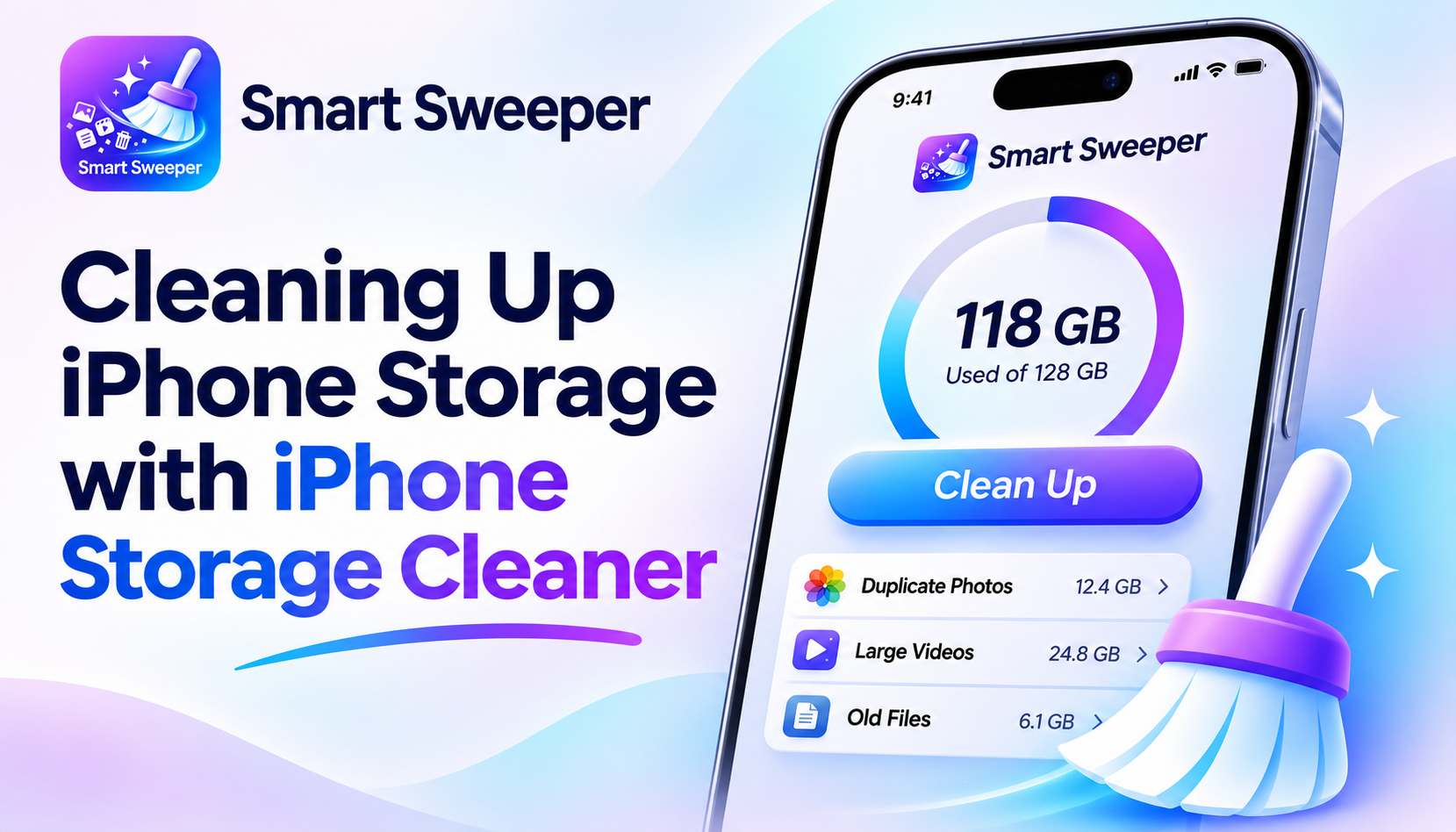
Learn how cleaning up iPhone storage frees space: find duplicate photos, videos, old calendar events and duplicate contacts, then remove what you do not need.
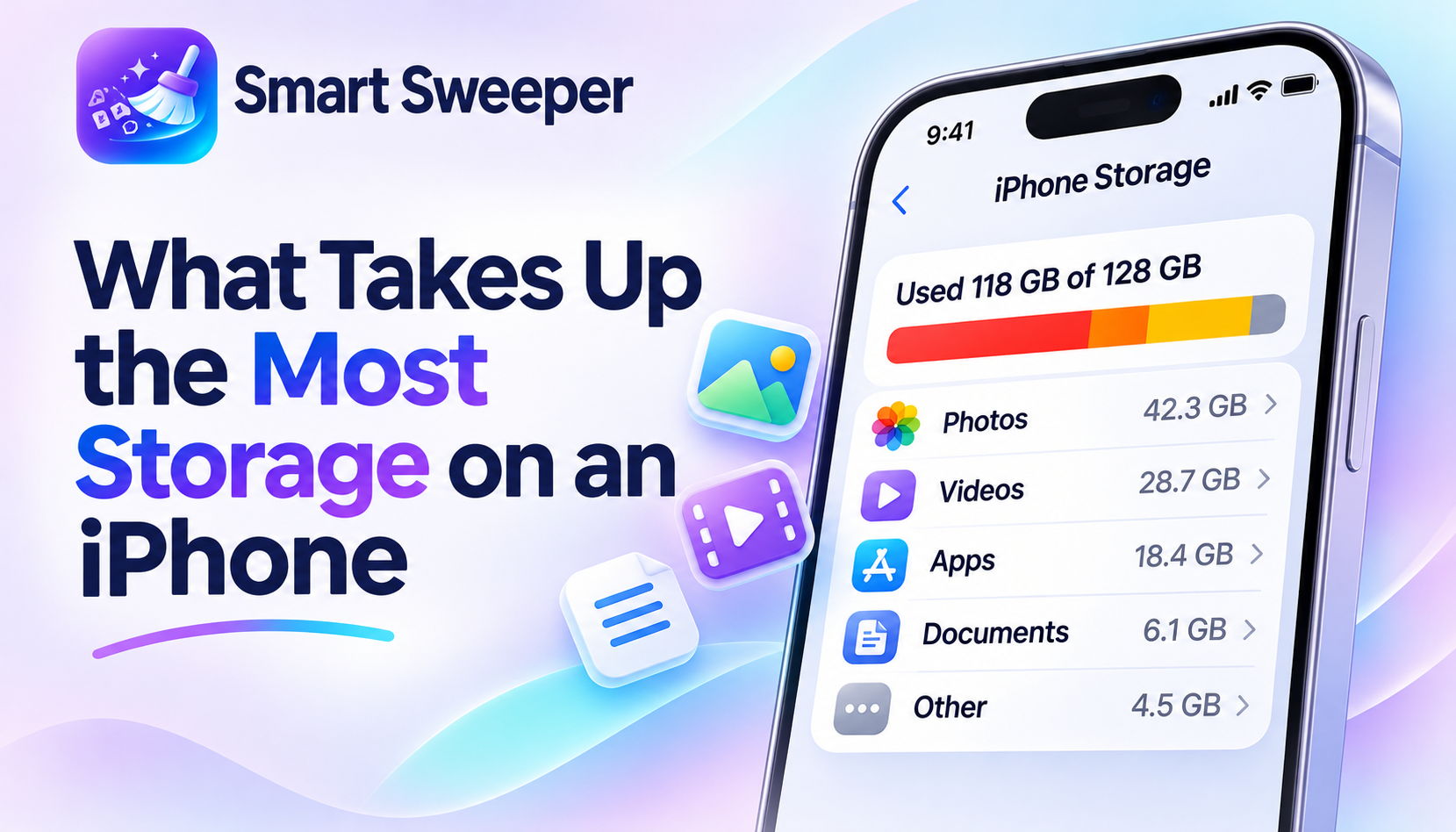
Learn what takes up the most storage on an iPhone, from photos and videos to apps and messages, plus how to find and remove duplicates safely.
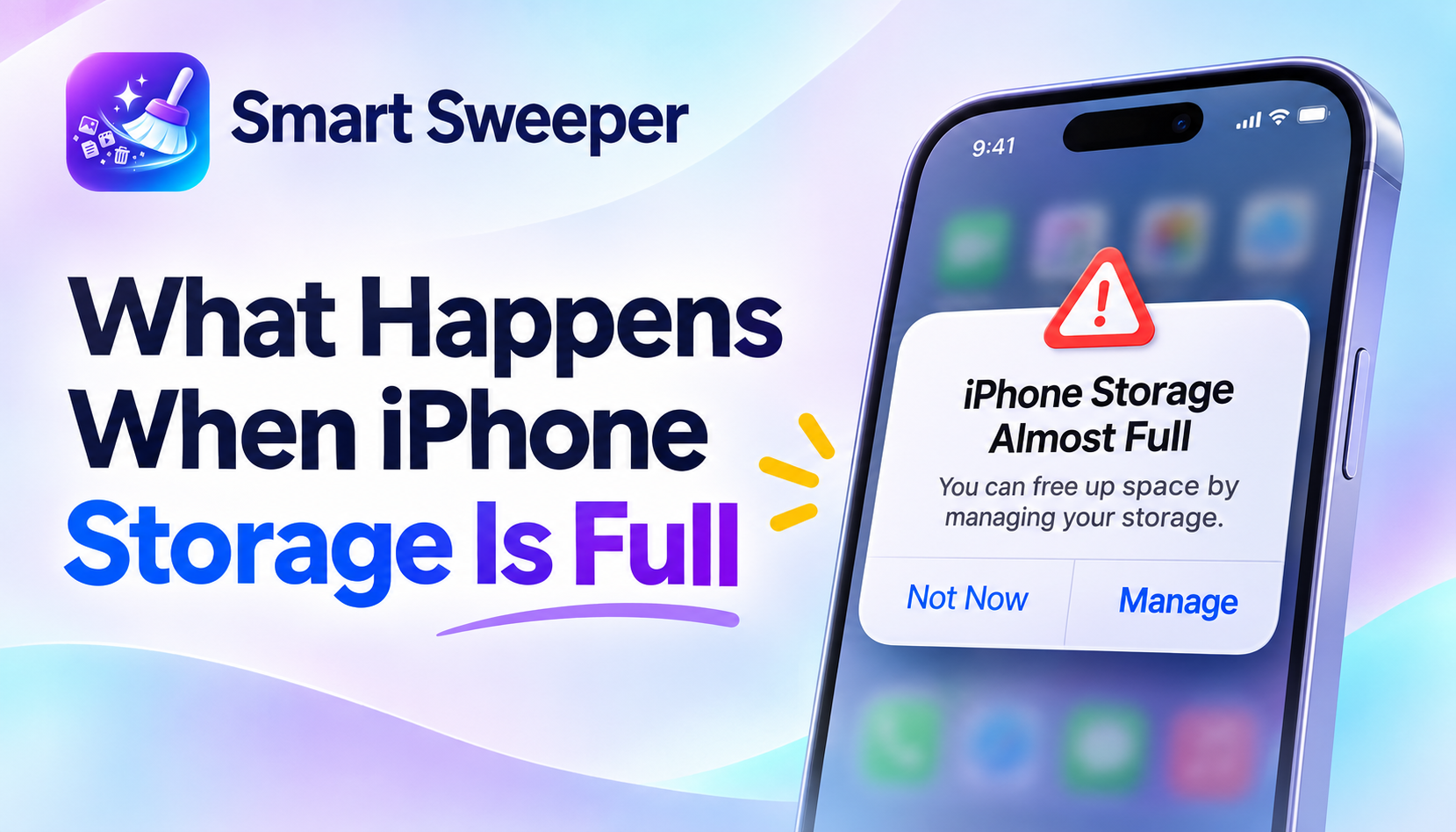
Learn what happens when iPhone storage is full, why photos and videos fill it up, and how to review suggestions before anything is deleted.
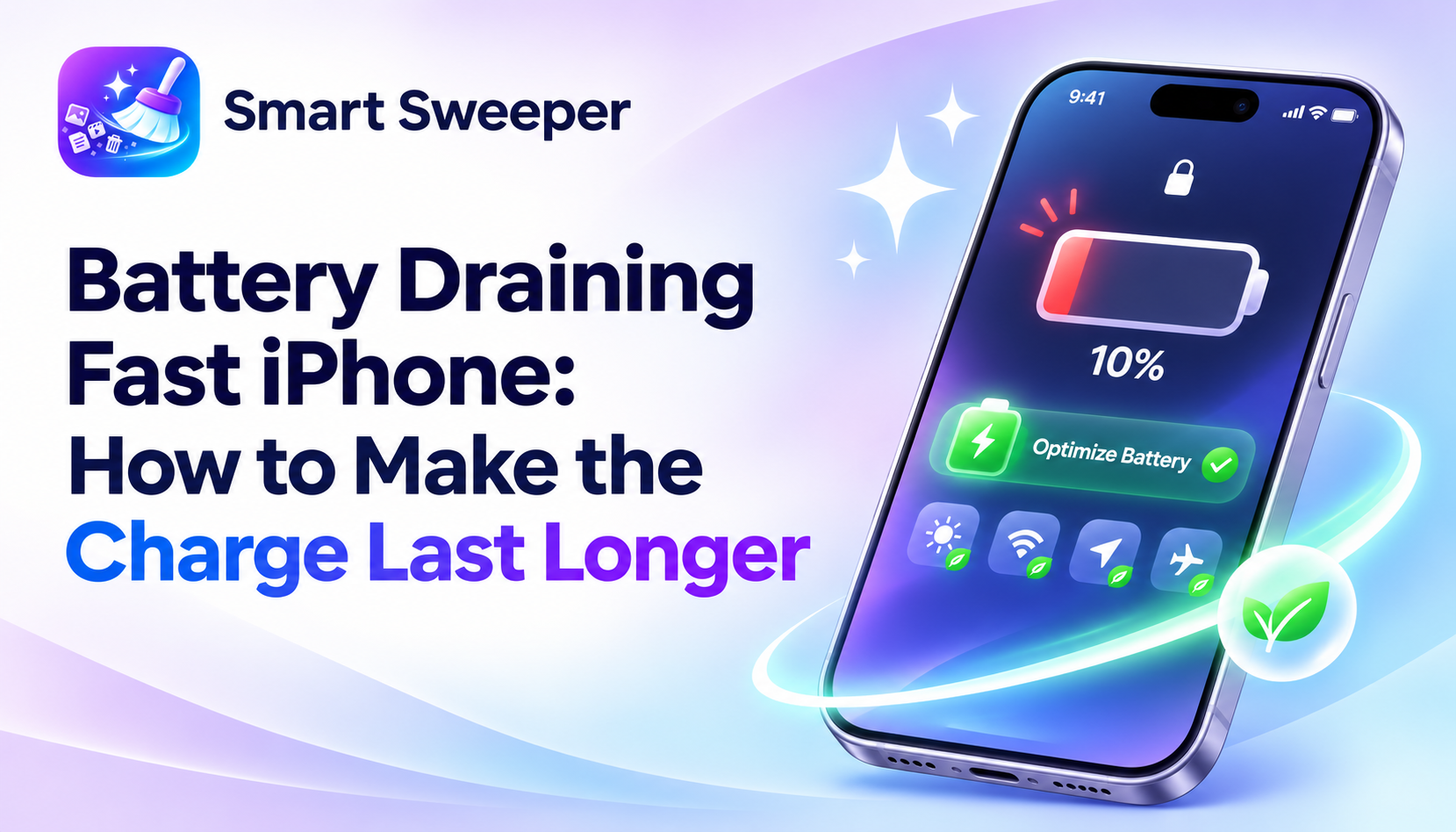
Fix battery draining fast iPhone issues with simple tips, charge level checks, and on-device scans that help the charge last longer.
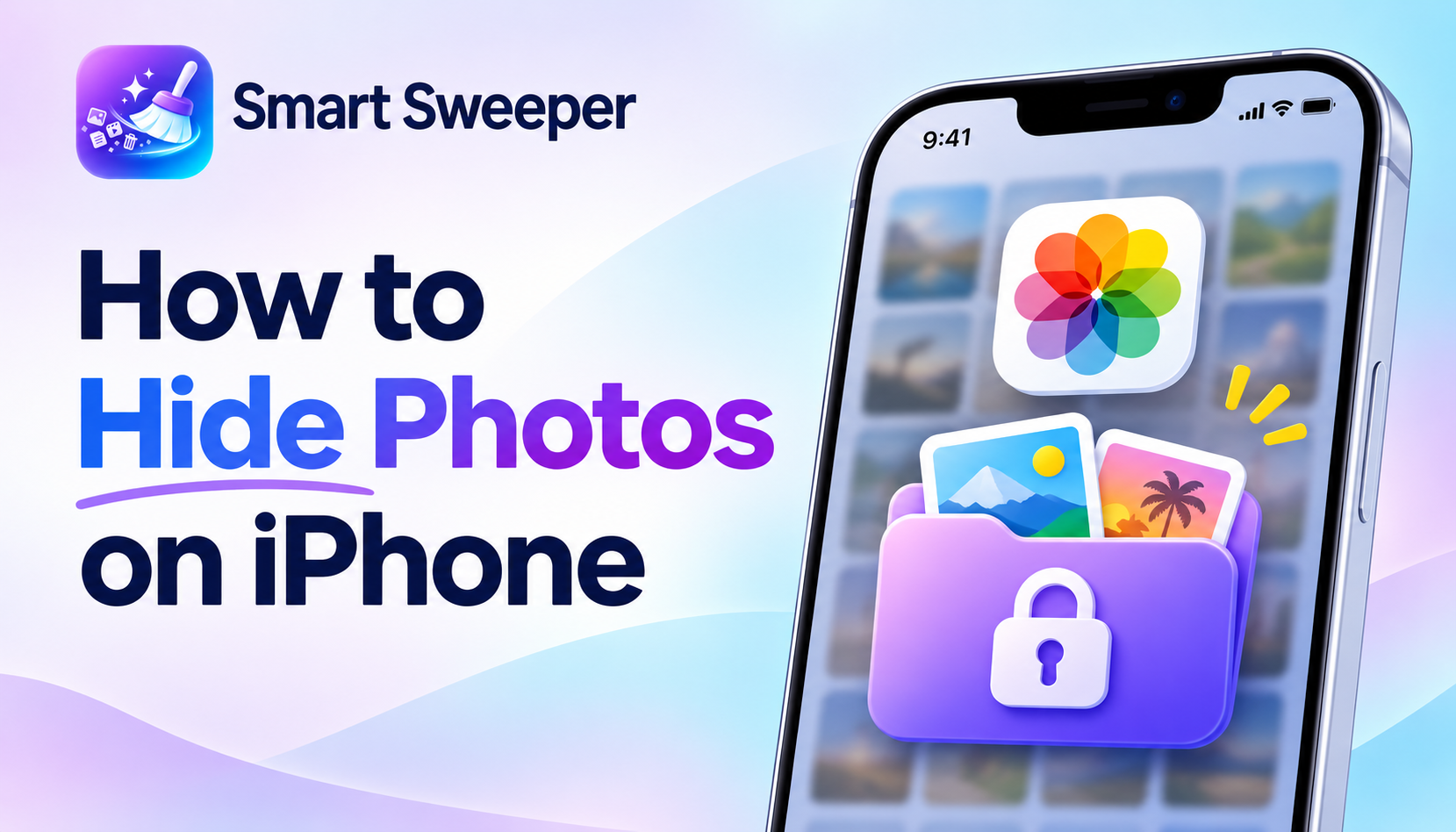
Learn how to hide photos on iPhone so private pictures stay out of your Photos library. You can move images into a private place only you can open.
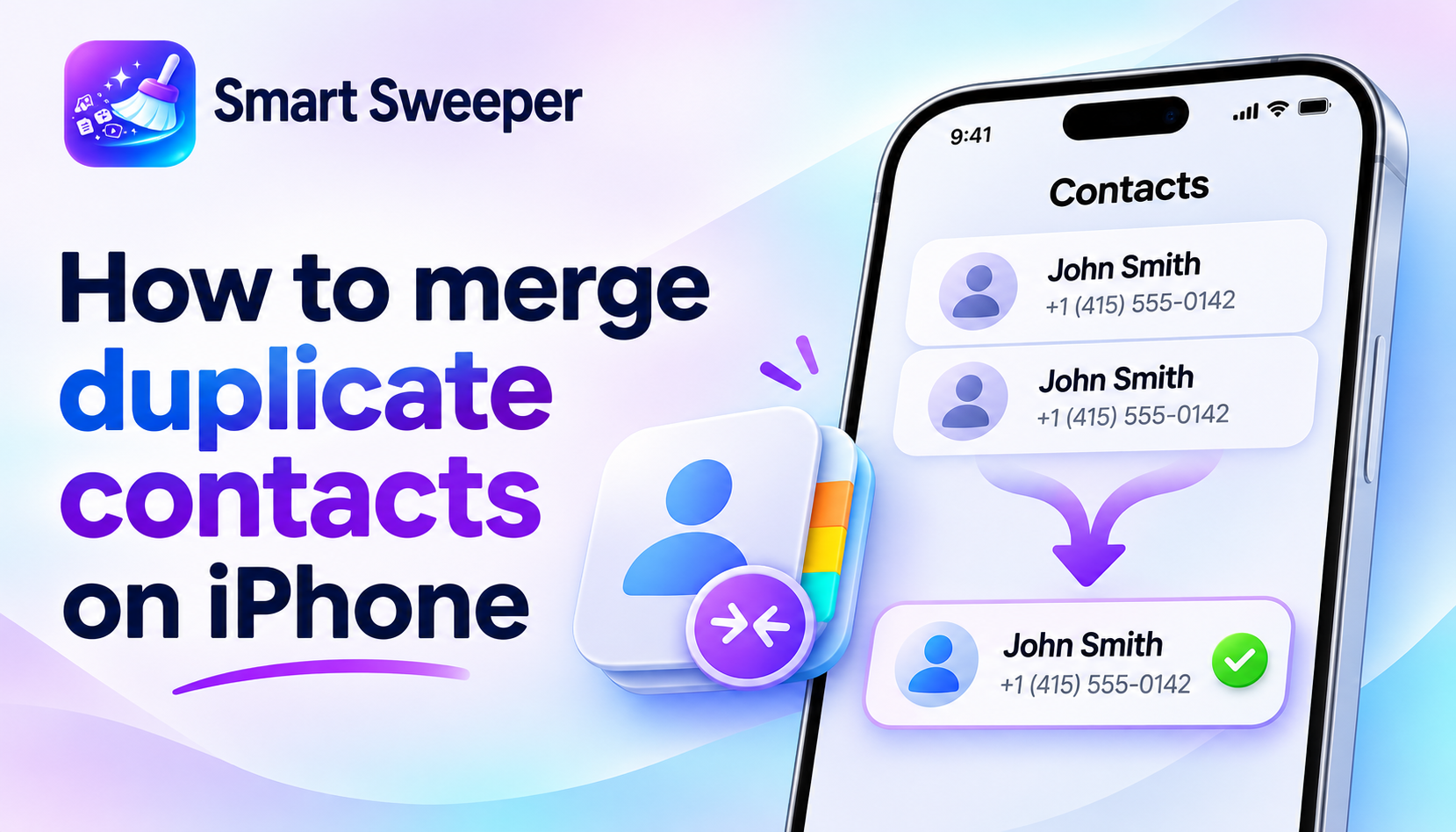
Merge duplicate contacts on iPhone with the built-in Contacts app: review, merge or link them, and back up first. Plus why it won't free much storage.
How an iPhone storage cleaner finds duplicates, blurry shots and large videos, then lets you safely delete or compress them to regain space.